Set it up for a parent
This page is for whoever installs SecondLook for someone else, like a parent who keeps sharing videos they think are real. It takes a few minutes. After that they never have to report anything themselves, though they can.
On a computer
Add Tampermonkey to their browser from the browser's own add-on store. In Chrome or Edge, open the extensions page, choose Details under Tampermonkey and turn on Allow User Scripts, since it can't run anything without it. Then open SecondLook.user.js in that browser and press Install. It checks here for new versions on its own.
Nothing changes on the sites until enough people report a post as AI-made. Then a banner on the post says how many did.
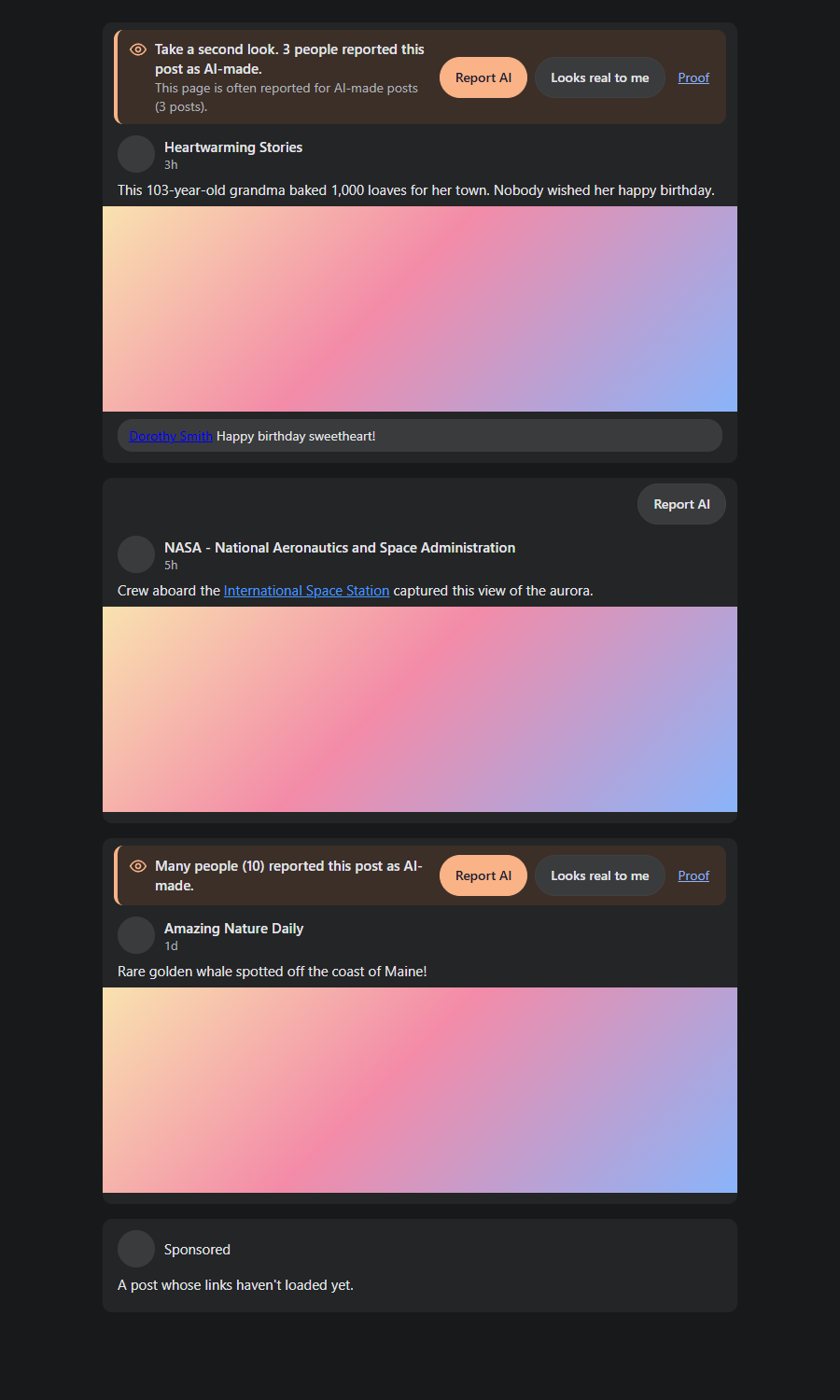
If a banner isn't enough, a reported post can fold away behind one line instead. Its Show anyway button opens it back up.

Banners are on from the start. To hide reported posts instead, click Tampermonkey's icon and pick SecondLook: banners or hiding. SecondLook: hide after how many reports sets how many it takes.
On an Android phone
On their phone, open SecondLook.apk and install it. Android asks once whether the browser may install apps, and that has to be allowed for this.
A phone won't let one app change what another one shows, so on a phone SecondLook checks a post when it's asked to. In TikTok, Instagram, Facebook, YouTube, X or Reddit, tap Share and then SecondLook, and it says how many people reported that post as AI-made. Show them once, with a video they're unsure about.
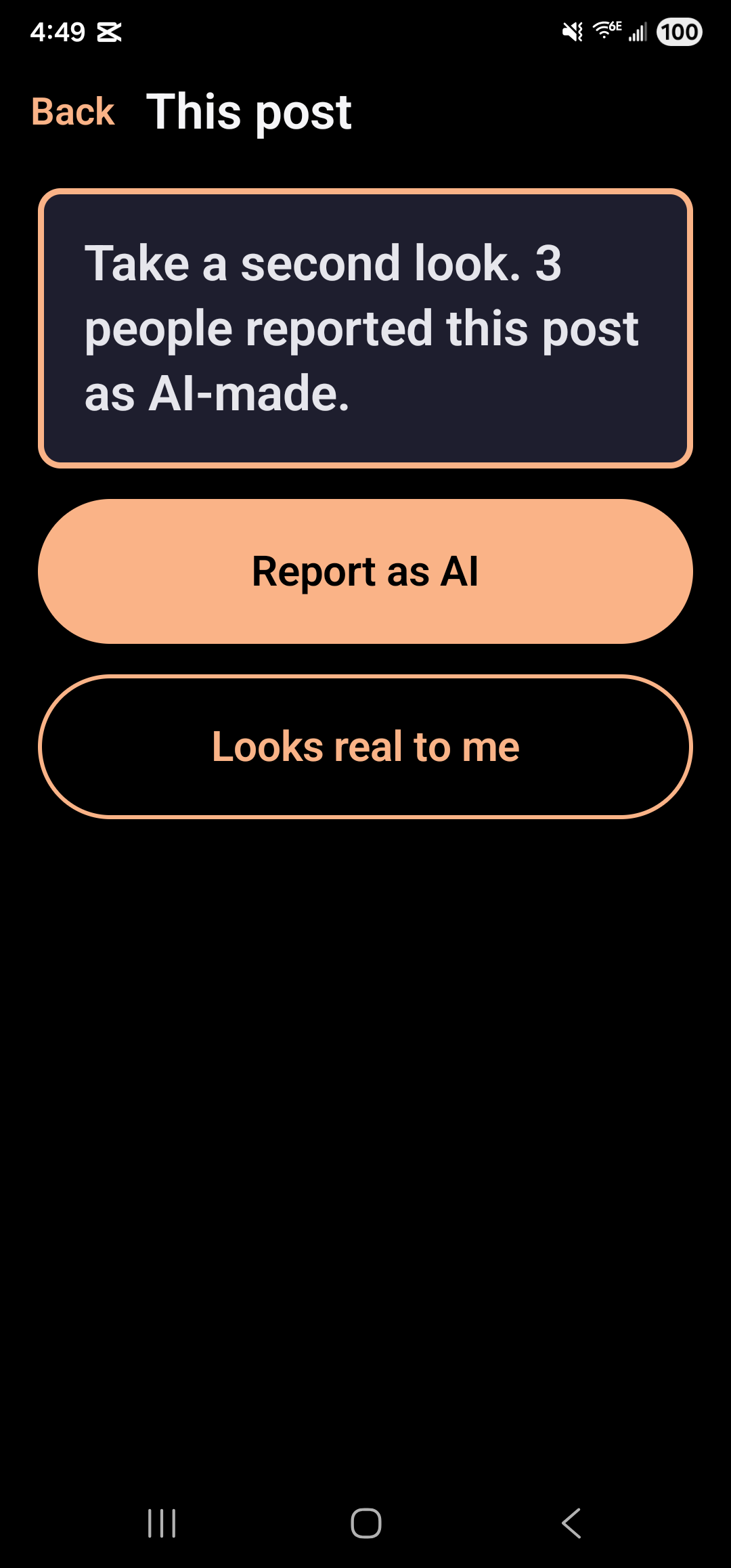
Warn after in the app's Settings is how many AI reports it takes for that highlighted card. It starts at 2.
On an iPhone
An iPhone only installs apps from Apple's App Store, so SecondLook for iPhone can't come from this server.
With it installed, sharing works the same way. If SecondLook isn't in the row of apps after tapping Share, tap More and turn it on. A link can also be pasted into the app and checked there.
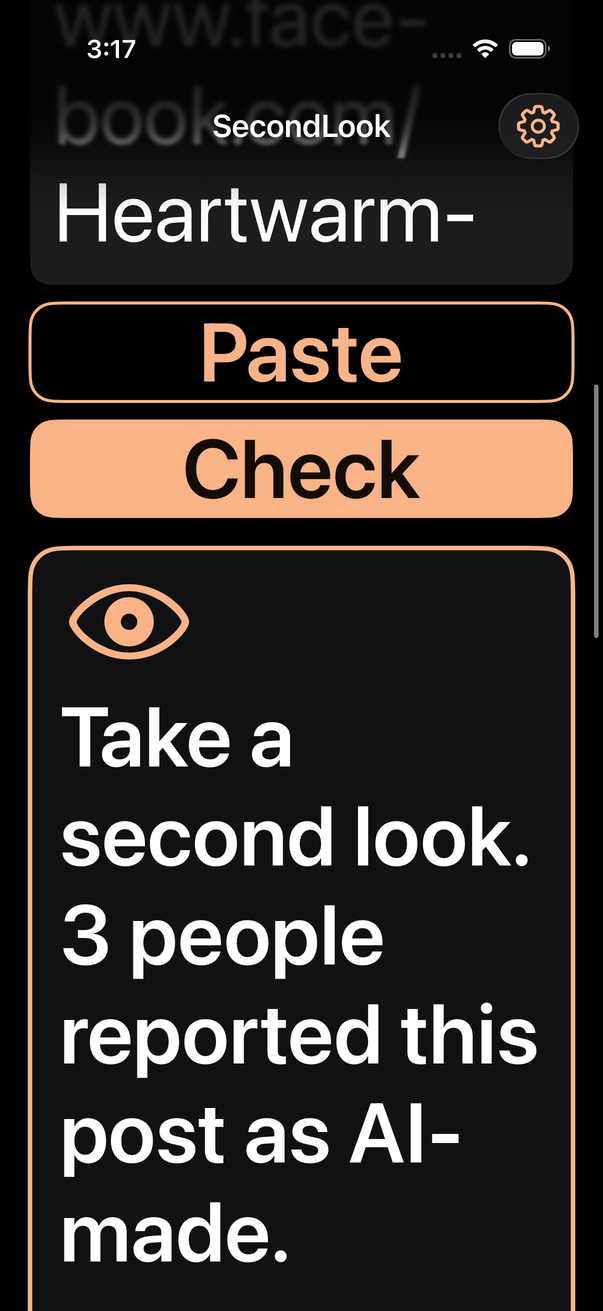
If they've turned their phone's text size all the way up, both apps still fit on the screen.
What to tell them
No banner on a post means nobody has reported it yet, not that it's real.
Looking closely isn't enough anymore, because the old giveaways like extra fingers are mostly gone. A banner or a highlighted card means other people already looked closely and didn't buy it.
What it knows about them
Checking a post doesn't tell this server which post it was. The list of reported posts comes down to their computer or phone and the check happens there. A report they choose to send says which post it's about, along with a random number SecondLook made when it was installed. No account or email address ever goes with it. The privacy page has the rest.